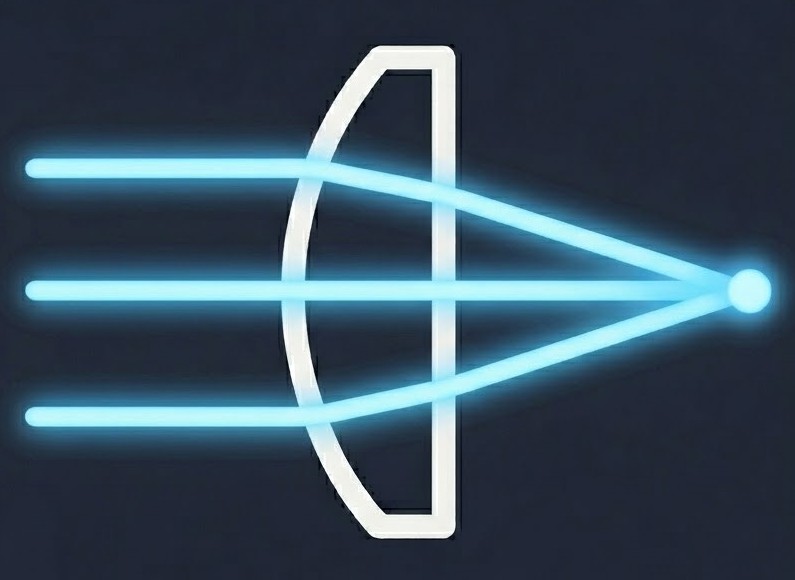
Ray tracing online, right in your browser
OpticSketcher is a free web tool for sketching optical systems and tracing rays in 2D and 3D. Place lenses, mirrors and prisms, then watch the rays refract and reflect live as you move them.
How it works
- Step 1
Add a light source
Start with a collimated beam or a point source from the parts library.
- Step 2
Place optical elements
Drag lenses, mirrors, prisms and other parts onto the canvas and adjust them.
- Step 3
Watch rays trace live
Rays refract and reflect as you move components, updating instantly.
Need more detail? Read the User Guide .
An optical system you can touch
These are the same live systems as on the home page. Drag the elements and the rays update instantly.
Move elements, watch the rays change
Drag lenses and mirrors on the grid. Reflection and refraction are recomputed immediately, so you see how each position shapes the ray paths.
The same system in three dimensions
Drag to rotate the view. Check ray paths from any angle and spot layout problems that are hard to see in 2D.
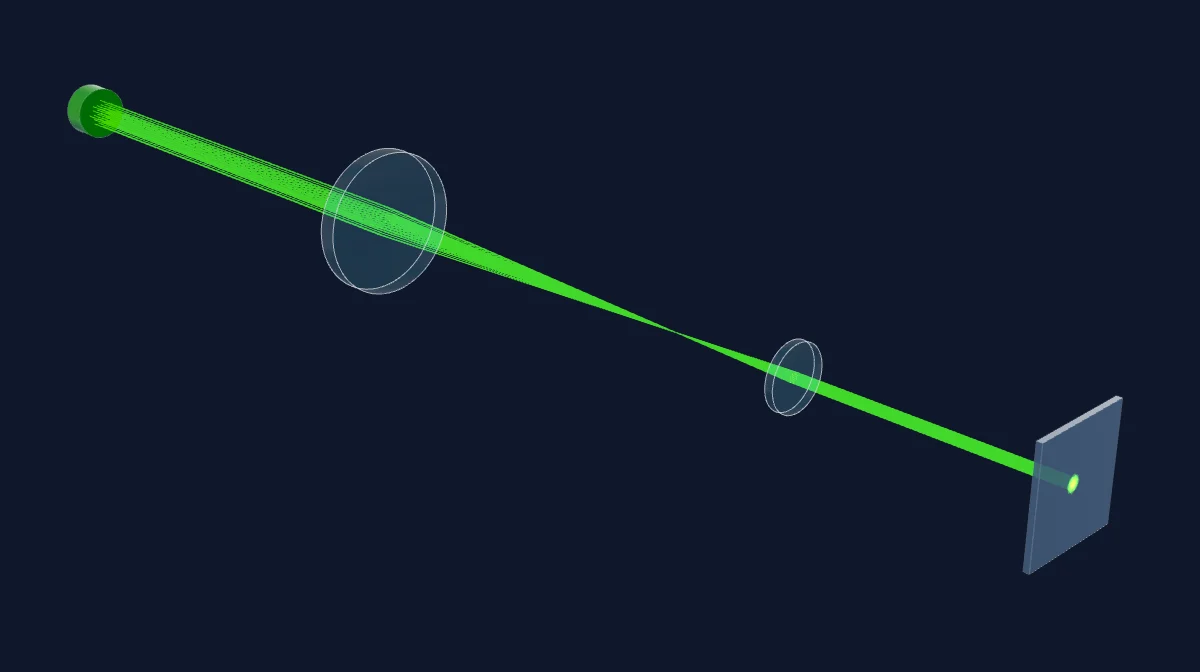
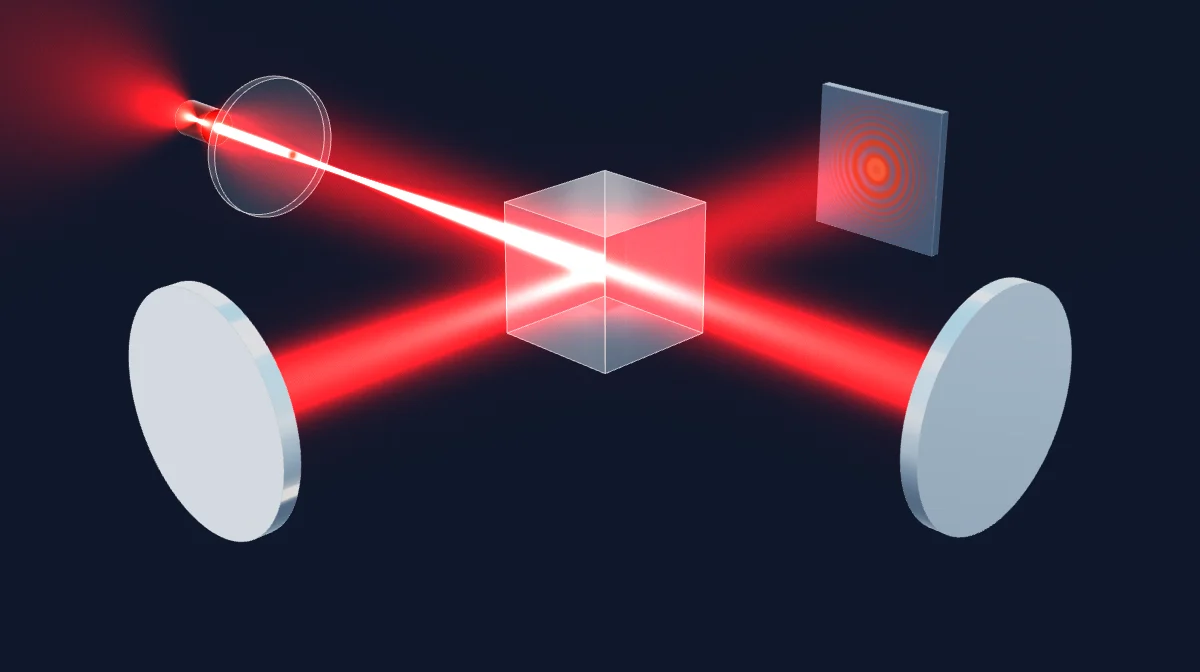
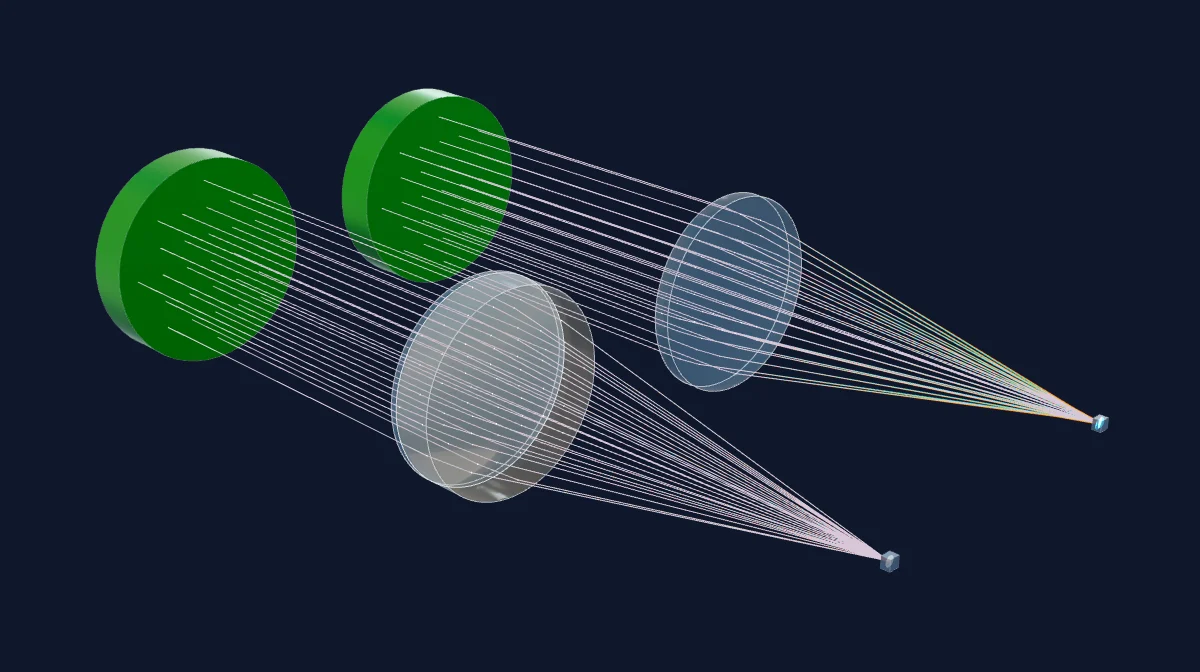
Start from a classic system
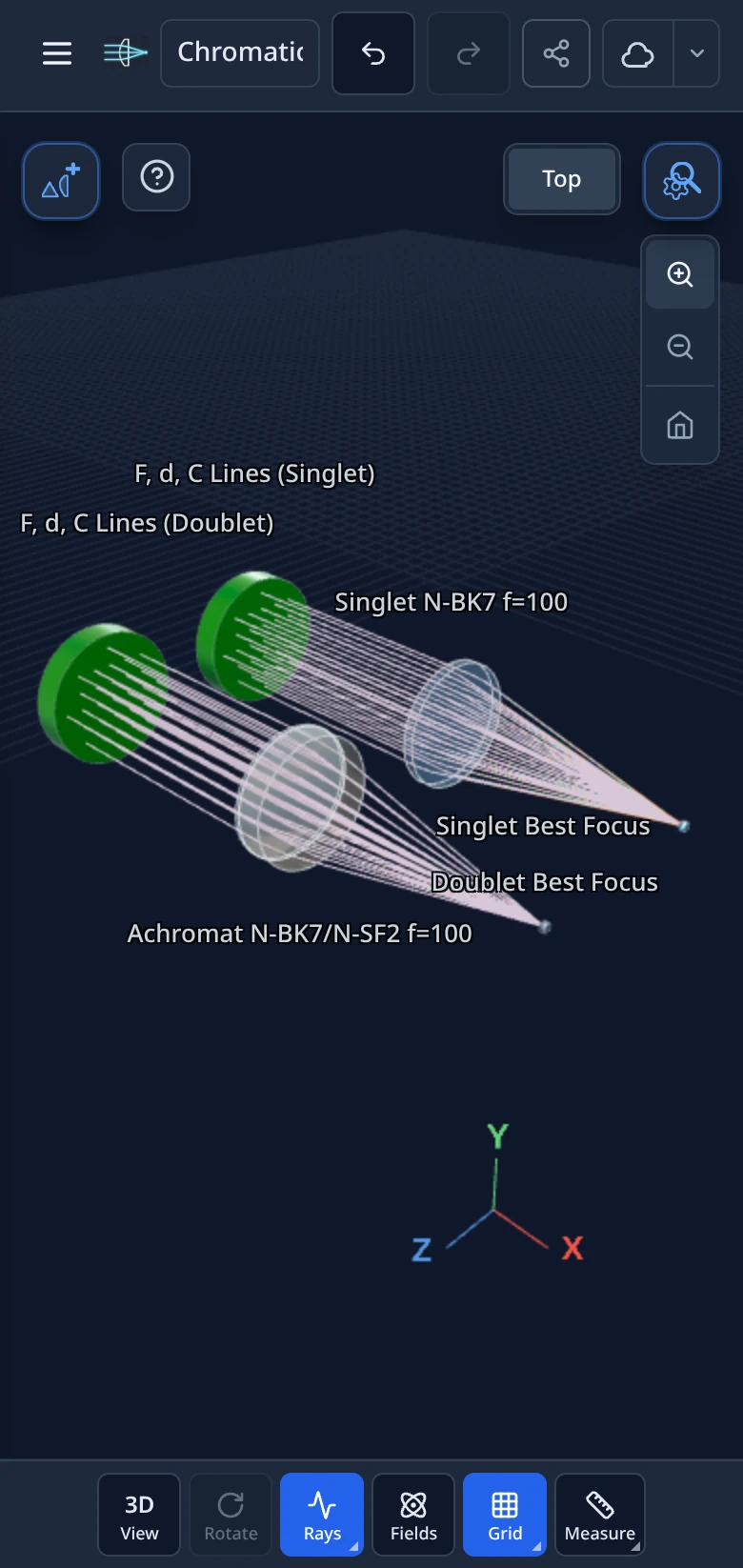
Phones and tablets too
It runs in the browser with nothing to install. Open a system in class or in a meeting and share it with a link.
What you can simulate
OpticSketcher performs interactive geometric ray tracing in 2D and 3D. Reflection, refraction, material dispersion and polarization are computed live as you edit your setup. Learn how each one works on the Optical Physics page . Rays are traced geometrically. An optional Fields view adds Gaussian beam propagation, diffraction and interference fringes, but it is not a full wave-optics solver.
Measure distances and ray-path lengths directly on the canvas, and add optical sensors to analyze what the rays deliver. Export diagrams as SVG or PNG images, save 3D scenes as GLB, or share an editable design with a link. The User Guide explains each tool.
Open a ready-made example in the editor: Keplerian telescope, Galilean telescope or Newtonian telescope. See more in the Gallery .
Who it's for
- Engineers: sketch, discuss and present optical setups. For Engineers
- Education: turn optics lessons into live experiments. For Education
Frequently asked questions
Is it free?
Yes. OpticSketcher is a free web tool for sketching optical systems and tracing rays in 2D and 3D.
Do I need to install anything?
No. OpticSketcher runs in your browser, so you can try ideas quickly without installing software.
Does it work on tablets?
Yes. The user guide covers using OpticSketcher on desktop and tablet, and there is a separate guide for phones.
Can I share a design?
Yes. Press the share button in the toolbar and create a link. A temporary link carries a snapshot of the design and expires after 14 days; a permanent link stays in sync with the cloud copy.